

Electric Repair Kit: How To Safely Fix Home Electronics
Electric Repair Kit: How To Safely Fix Home Electronics
Question: What is the safest way to use an electric repair kit at home?
An electric repair kit helps you safely repair phones, laptops, gaming devices, and small electronics by giving you the right precision tools for delicate screws and sensitive components. Using proper tools reduces stripped screws, cracked casings, and electrical damage while making home repairs faster, easier, and safer for beginners.
⏱ 9 min read
Trying to open a stubborn phone screw with the wrong screwdriver can instantly turn a small repair into an expensive mistake. Whether you are replacing a battery, tightening loose hinges, or fixing charging ports, using the right electric repair kit makes home electronics repair safer and far less stressful. This guide explains how to fix electronics safely at home, avoid common beginner mistakes, and handle damaged phone screws without damaging your device.
👉 Ready to stop stripping screws and damaging devices?
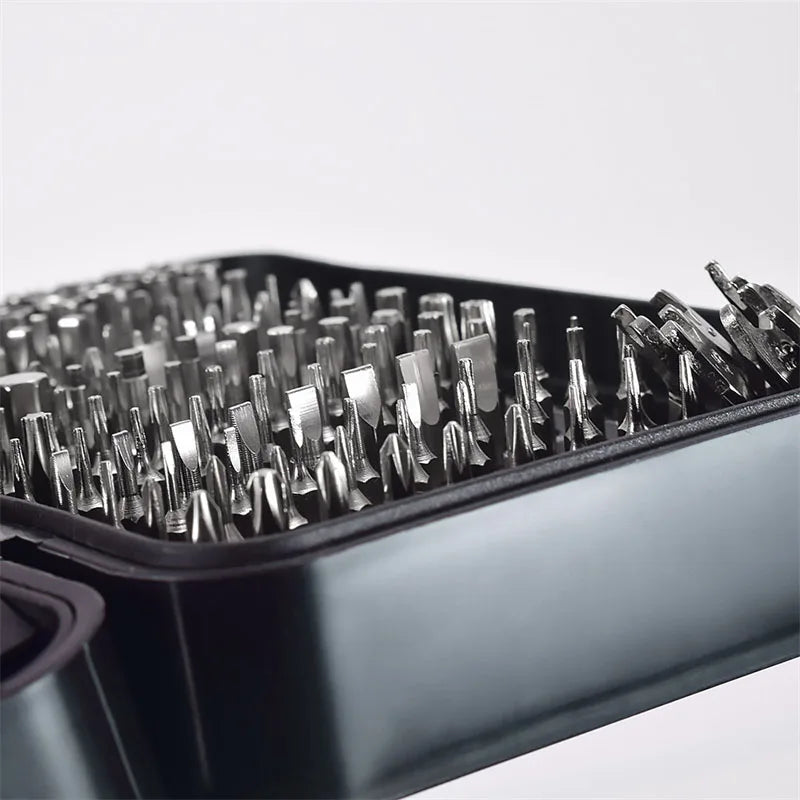
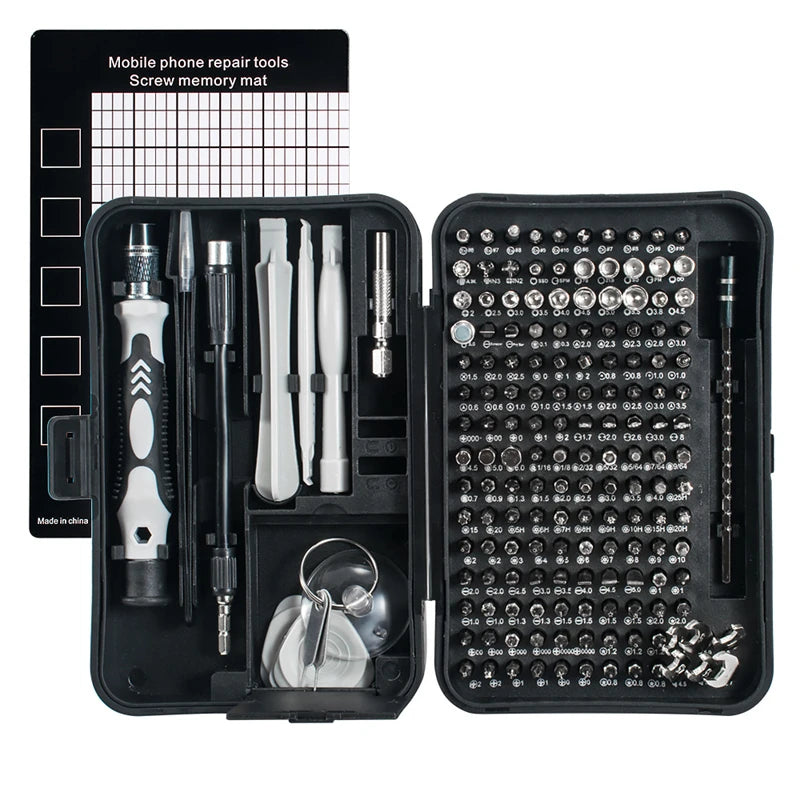
Explore the 170-in-1 Magnetic Screwdriver Set and make your first repair easier and safer.
💡 See it in action
Why an Electric Repair Kit Matters for Safe Repairs
An electric repair kit protects delicate electronics by matching the correct screwdriver size, magnetic bit, and repair accessory to each device. Proper tools reduce slipping, stripped screws, damaged screens, and broken plastic clips while improving repair speed and safety for beginners working at home.
Many people attempt repairs with kitchen knives, oversized screwdrivers, or cheap hardware tools. That usually leads to:
- Rounded or stripped screws
- Cracked phone backs
- Damaged internal cables
- Electrical short risks
- Lost screws and tiny parts
A quality electric repair kit gives you precision and control. Magnetic tips hold tiny screws securely, while slim drivers fit into compact electronics without damaging surrounding components.
For organized storage during repairs, many users also keep accessories inside Gear Organizers & Pouches to avoid losing small parts.
Must-Have Tools Inside a Reliable Electric Repair Kit
Not all repair kits are equal. The best kits contain tools designed specifically for modern electronics.
| Tool | Purpose | Why It Matters |
|---|---|---|
| Precision Screwdrivers | Remove tiny screws safely | Prevents stripping and slipping |
| Magnetic Bits | Hold screws securely | Reduces dropped components |
| Pry Tools | Open device casings | Avoids cracked plastic edges |
| Tweezers | Handle small connectors | Improves accuracy |
| Anti-Static Tools | Reduce static discharge | Protects sensitive circuits |
One overlooked benefit of a magnetic screwdriver set is reduced hand fatigue. Repairs become smoother because the bit stays aligned with the screw.
Some DIY users also keep backup lighting from Headlamps & Wearable Lights nearby for better visibility when repairing inside dark corners or vehicle interiors.
How to Fix Electronics Safely at Home
Wondering how to fix electronics safely at home without damaging expensive devices? Follow these basic steps before opening any electronic item.
- Turn off and unplug the device completely.
- Remove batteries or power sources if possible.
- Work on a flat, clean, dry surface.
- Organize screws by size and location.
- Use the correct precision bit for every screw.
- Apply gentle downward pressure while turning.
- Never force stuck components open.
What gear actually makes electronics repair easier?
Good lighting, magnetic tools, organized storage trays, and steady hand positioning can dramatically reduce mistakes during repairs.
Many beginners use folded mats or protective surfaces similar to those found in Picnic Mats & Blankets collections to create soft, scratch-resistant workspaces for fragile devices.
Set Up a Safe Repair Workspace
A cluttered desk increases the risk of losing screws or damaging parts. Keep your workspace clean and well lit.
- Use small containers for screws
- Keep drinks away from electronics
- Avoid carpeted surfaces when possible
- Wear anti-slip gloves for better grip
Some users prefer compact storage options from Camping Storage & Boxes to separate repair accessories by device type.
👉 Want smoother repairs with fewer mistakes?
Learn how the 170-in-1 Magnetic Screwdriver Set simplifies delicate electronics work.
Common Mistakes That Ruin Electronics
Repairing electronics without right tools is one of the fastest ways to turn a simple repair into permanent damage.
Using Oversized Screwdrivers
Large screwdrivers slip easily and destroy tiny screw heads. Once stripped, screws become extremely difficult to remove.
Forcing Open Device Casings
Phones and laptops often use hidden clips. Forcing them open cracks panels or breaks retaining tabs.
Ignoring Static Electricity
Static discharge can silently damage sensitive chips and circuit boards.
Mixing Up Screw Sizes
Using the wrong screw during reassembly may puncture batteries or damage displays.
| Common Problem | Cause | Safer Solution |
|---|---|---|
| Stripped screws | Wrong screwdriver size | Use precision magnetic bits |
| Cracked casing | Metal prying tools | Use plastic pry tools |
| Lost screws | Disorganized workspace | Use magnetic trays |
| Broken connectors | Pulling cables too hard | Use tweezers carefully |
💡 See it in action
What to Do When Damaged Phone Screws Won’t Budge
Damaged phone screws won’t budge when the screwdriver no longer grips the screw head properly. This usually happens after using incorrect tools or applying uneven pressure. The safest solution is using the correct precision bit, controlled downward force, and gentle extraction methods to avoid damaging surrounding electronics.
This is one of the most frustrating repair situations for beginners.
Try these techniques before giving up:
- Switch to the exact matching screwdriver bit.
- Press down firmly while turning slowly.
- Use a rubber band between bit and screw for extra grip.
- Apply a tiny drop of isopropyl alcohol if corrosion exists.
- Use precision tweezers if the screw slightly protrudes.
Never Drill Into Small Electronics Screws
Power drilling often destroys internal components beneath the screw location. Phones, tablets, and handheld consoles are especially vulnerable.
Technicians often recommend magnetic repair kits because stable bit alignment reduces the chance of stripping delicate screws.
Portable lighting from Emergency Lighting collections can also help during low-light repairs inside vehicles or emergency situations.
Guide to Precision Screwdriver Set Usage
A guide to precision screwdriver set usage starts with selecting the exact bit shape and size before applying force. Proper alignment prevents slipping while magnetic tips improve control during delicate electronics repairs. Correct handling also reduces wrist fatigue and helps beginners work more confidently.
Match the Screw Type Correctly
Different electronics use different screw heads:
- Phillips
- Flathead
- Torx
- Pentalobe
- Tri-wing
Using the wrong shape instantly damages the screw.
Apply Pressure Before Turning
Push downward gently before rotating the screwdriver. This keeps the bit seated securely inside the screw head.
Use Magnetic Features Carefully
Magnetic bits help prevent lost screws, especially during phone or laptop repairs.
Users who travel with repair tools often combine compact kits with storage options from Lightweight Daypacks for portable organization.
"I used to ruin at least one screw every time I opened my laptop. Switching to a magnetic precision repair kit completely changed that." — Verified home repair hobbyist
Quick Electronics Repair Checklist
- Device powered off completely
- Correct screwdriver bit selected
- Workspace clean and organized
- Good lighting available
- Screws separated by location
- Plastic pry tools ready
- No liquids near workspace
- Patience before forcing components
Some repair enthusiasts also keep backup safety supplies from First Aid Kits nearby during larger DIY projects involving tools or sharp edges.
Best Beginner Repairs You Can Try
Starting with simple repairs builds confidence before handling more expensive electronics.
Good Beginner Repair Projects
- Replacing remote batteries
- Tightening loose laptop hinges
- Changing gaming controller shells
- Replacing phone charging cables
- Cleaning dusty computer fans
Repairs Beginners Should Avoid Initially
- Motherboard soldering
- Battery puncture repairs
- Water-damaged devices
- Screen adhesive replacements
The right electric repair kit reduces frustration while helping you learn safe repair habits from the start.
👉 Don’t wait until a stripped screw ruins your device.
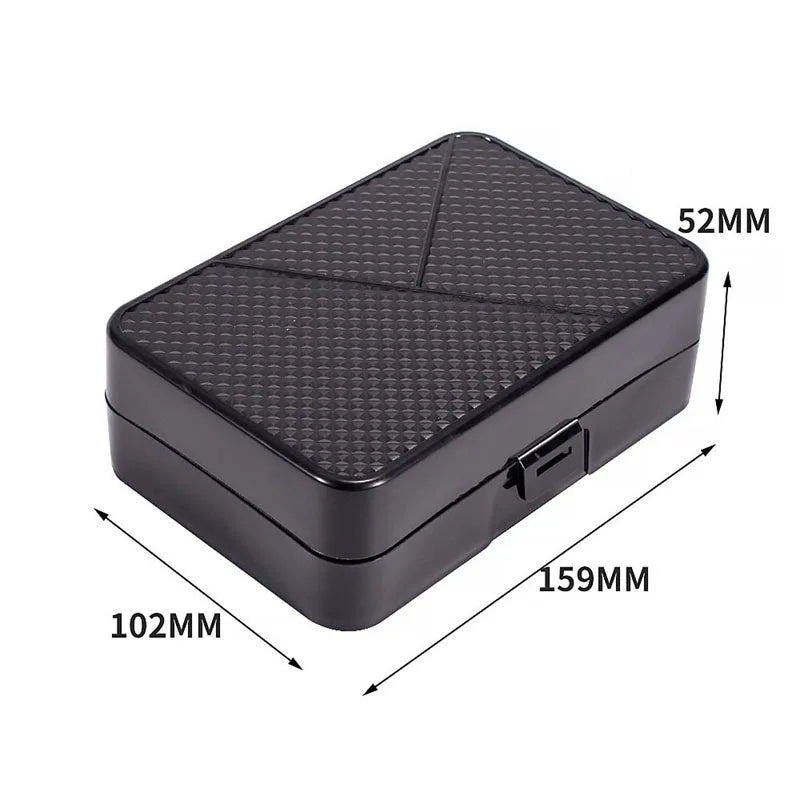
Get the 170-in-1 Magnetic Screwdriver Set before your next repair project.
💡 See it in action
Why More Home Users Are Learning DIY Electronics Repair
People are repairing electronics at home more than ever because replacement costs continue rising. Small fixes like battery swaps, loose screws, or cleaning internal dust can extend device life dramatically.
Using proper tools also gives users more confidence and reduces unnecessary waste.
Whether you are repairing a gaming console, smartphone, wireless earbuds, or laptop, careful preparation and the right electric repair kit can prevent many common mistakes.
FAQ
What is included in a typical electric repair kit?
Most electric repair kits include precision screwdrivers, magnetic bits, pry tools, tweezers, extension rods, and storage accessories designed for electronics repair.
Can beginners safely repair electronics at home?
Yes. Beginners can safely handle simple repairs when using proper tools, following safety steps, and avoiding excessive force during repairs.
Why do phone screws become stripped?
Phone screws usually strip because of incorrect screwdriver sizes, uneven pressure, or low-quality tools that slip during turning.
Are magnetic screwdriver sets safe for electronics?
Yes. Quality magnetic precision screwdrivers are commonly used for electronics repairs because they improve control and reduce dropped screws.
What should I avoid when repairing electronics?
Avoid forcing open casings, mixing screws, using oversized tools, and working near liquids or static-heavy surfaces.
Pillar Article: Electronic Repair Toolkit: How To Fix Devices Step By Step
Other Related Articles:
- Electronics Repair Kits: How To Choose And Use Them Correctly
- Stripped Laptop Screw Removal: How To Fix Stuck Screws Easily
- Portable Repair Toolkit For Electronics Devices: Step-By-Step Guide
Explore More:





